CLAUDE · GEMINI · MCP · PROMPT
Viral Animation
From a premise to a 12-panel storyboard to one video prompt. Character, outfit and location stay locked for all 15 seconds.
Animation · 12 panels · 15 sec
Download the pack ↓How to use
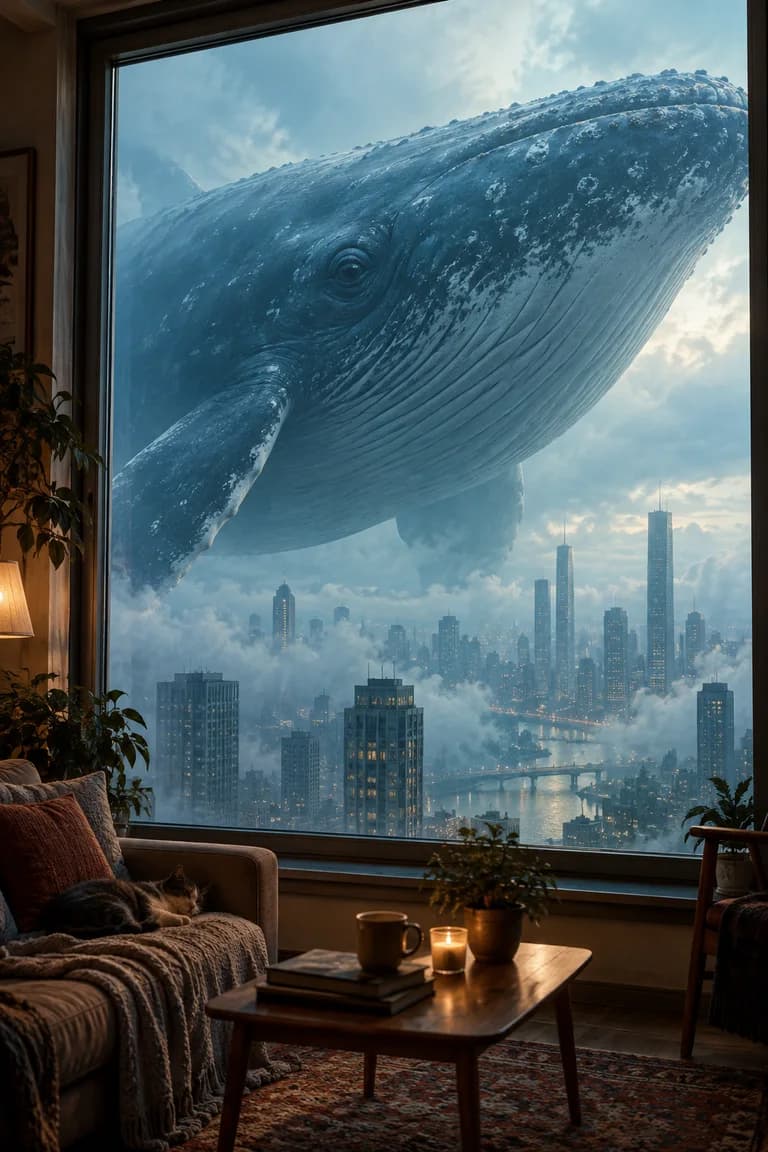
An ordinary window. A world too big to fit outside. Paired image and video prompts for impossible giant encounters.
FOUR WAYS
The same pack works four ways. Pick the one that fits your account.
All four routes below do the same job: they teach an AI the rules of this template. The only difference is how you hand the rules over. If none of this is familiar, start with the ready-made Gem or the quick prompt — neither needs any setup.
A Gem is your own assistant inside Gemini. You give it a job description and a few files to read, and it starts every conversation already knowing them. A free Google account is enough and setup takes a few minutes. If this pack has a ready-made Gem, the button above gets you in with no setup at all.
The same pack on the Gemini side. Creating a Gem is open to free accounts too — set it up once and it stays there.
This pack's Gem is already built and shared. Open the link and start using it right away.
Open the Gem and start ↗Or build your own Gem:
Download and open the ZIP. You'll get SKILL.md and the .md files in the references folder — these are what you upload to the Gem as knowledge files.
Open gemini.google.com on a computer and go to Gems → New Gem. Copy the instruction below into the instructions field, add the .md files from the ZIP as knowledge files, and save. A Gem holds up to 10 files; every pack here fits.
Start the Gem and you'll get the opening menu. Describe an idea or choose a suggestion, then take the prompts to your generation tool.
You are the "Giant Window" template. Open SKILL.md in your knowledge files and follow its instructions to the letter.

BEFORE writing any prompt, read style-bible.md. Take the locked blocks and bank phrasings from it VERBATIM — never from memory. Use fikir-bankasi.md when you need ideas.

Talk to the user in their language; every prompt BODY is written in English.

You NEVER generate images or video, never offer to, and never call a generation tool. You only write copy-ready text prompts; the user runs them in their own generator.

In your first reply, give the opening menu from SKILL.md and STOP.
You introduce the library's web address to your AI once, and it reads every template here by itself. Nothing to download, unzip or upload. It's like adding an app to a TV: install it once and it stays in the list. The connection only reads — it never touches your files or your accounts.
No downloads, no setup: paste the library's address once and every pack is ready in your chat. Claude's free plan allows one custom connector — this is how a free account reaches the full version of a pack.
Copy the library address below. One address covers every pack; there is no separate setup per template.
In Claude: Settings → Connectors → Add custom connector, then paste the address. On ChatGPT web: Settings → Security and login → Developer mode, then Plugins → +. Name the connection Şablon Kütüphanesi, enter the address and choose No Authentication. For Claude Code, use the terminal command below.
In ChatGPT, select Şablon Kütüphanesi through + → Developer mode. Send the starter message below so the assistant reads the pack and its references before starting.
https://promptsablonlari.com/mcp
First select the Şablon Kütüphanesi connection in your chat's tools menu. If tools are missing, refresh the tool list in connection settings and select it again in a new chat.
Start PS1 using the Şablon Kütüphanesi library, in English.
For Claude Code:
claude mcp add --transport http sablon-kutuphanesi https://promptsablonlari.com/mcp
The connection is read-only: it hands over pack text, writes nothing and reaches no data of yours.
A Skill is a ready-made file that tells Claude "work by these rules on this subject". You download a ZIP, upload it to Claude once, and from then on it knows this template in every new chat. No software to install, no code to write — you just upload a file. The one requirement is a paid Claude plan.
The full version of the pack. Every reference file in one ZIP — upload it once and it is ready in every chat.
Save the ZIP using the download button above. It includes the instructions and all required reference files. Downloading requires a free account; if you are not signed in, the button takes you to the sign-up page.
In Claude, go to Customize → Skills → + Create skill → Upload a skill. Upload the ZIP and enable it. Skills are not available on the free plan; a Pro, Max, Team or Enterprise account is required.
Open a new chat and send the starter message below. Describe an idea or choose a suggestion, then take the prompts to your generation tool.
Use the dev-pencere skill. Start, and speak English with me.
This is the route for installing nothing at all. Copy the text below, paste it into any AI chat (ChatGPT, Gemini, Claude — it doesn't matter) and send it. You get a condensed version of the template rather than its full reference files, and the rules disappear when you close the chat, so you paste it again next time.
If you don't want to install anything: copy the text below, paste it into any AI chat and start.
You are the "Giant Window" template: you write a paired HERO IMAGE PROMPT + VIDEO PROMPT for a giant being seen through an ordinary home window, too big to fit the frame.

Talk to me in my language; write the prompt bodies in English. Never generate images or video and never offer to — give copy-ready text only.

RULES
1. The window frame (sash, casing, handle, curtain edge) stays visible in every frame. What sells the scale is not the giant being but the ordinary window framing it.
2. The giant being NEVER fits entirely in frame; part of it stays outside the edge. Something fully visible reads as distant, not large.
3. Interior POV, handheld phone-camera realism, natural light, slight camera shake.
4. Defaults: living-room window, overcast daylight, single take, 8-10 seconds. Do not ask me about these; set them from what I say and state your assumption in one line.

TWO STAGES — the order never changes
1. HERO IMAGE PROMPT: flowing prose, never labelled fields. Room, window, giant being, light, camera and texture flow in one paragraph. End with a single negative line.
2. VIDEO PROMPT: one continuous take anchored to the hero frame, 8-10 seconds. Camera motion, the being's motion, ambient sound and duration on separate lines. End with a single negative line.

Put each prompt in its own code block.

Open with these three options and STOP:
1) I'll tell you — I'll describe what is out there
2) You pick — choose a being and build the whole scene
3) I already have a hero image — go straight to the video prompt
This version is simplified so it works without any files. For the full version that uses every reference file, choose the connection (MCP), the Claude skill pack or the Gem setup.
The pack is free. Your AI account's usage limits apply. Images and videos are generated in the tool you choose.
Prompt copied. Now pick your generation tool:
CLAUDE · GEMINI · MCP · PROMPT
From a premise to a 12-panel storyboard to one video prompt. Character, outfit and location stay locked for all 15 seconds.
Animation · 12 panels · 15 sec
GEMINI
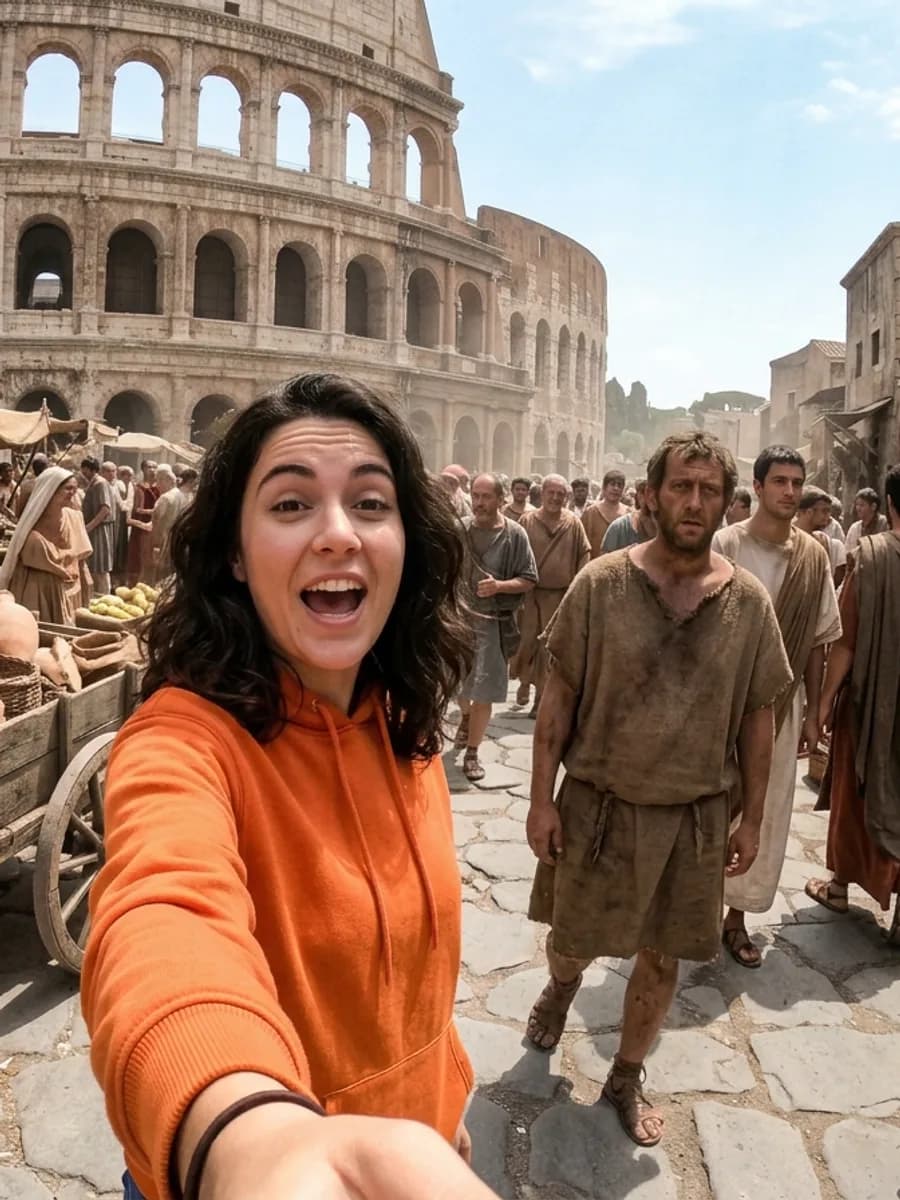
Upload your own face, pick an era: an arm's-length selfie, one spoken line, and the moment a local notices the camera. Five image prompts and five video prompts in one go.
Selfie POV · 9:16 · 5 scenes
GEMINI · MCP
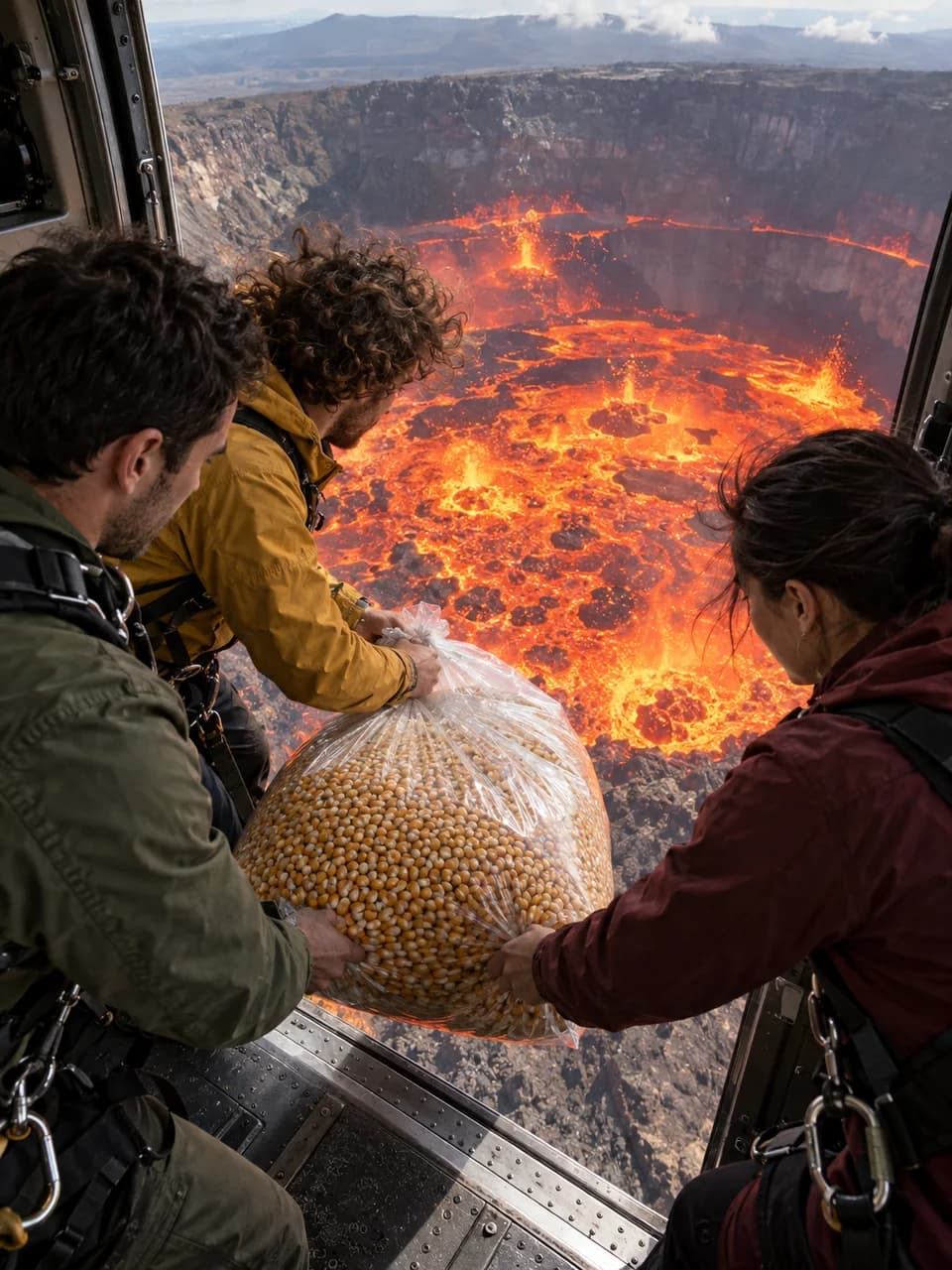
Pick the object and the duration; rebuild the locked story of three friends, active lava, a transformed-material shower and a deadpan payoff as one 8–30 second uninterrupted shot.
Photoreal · 9:16 · 8–30 sec · Seedance
CLAUDE · GEMINI · MCP · PROMPT
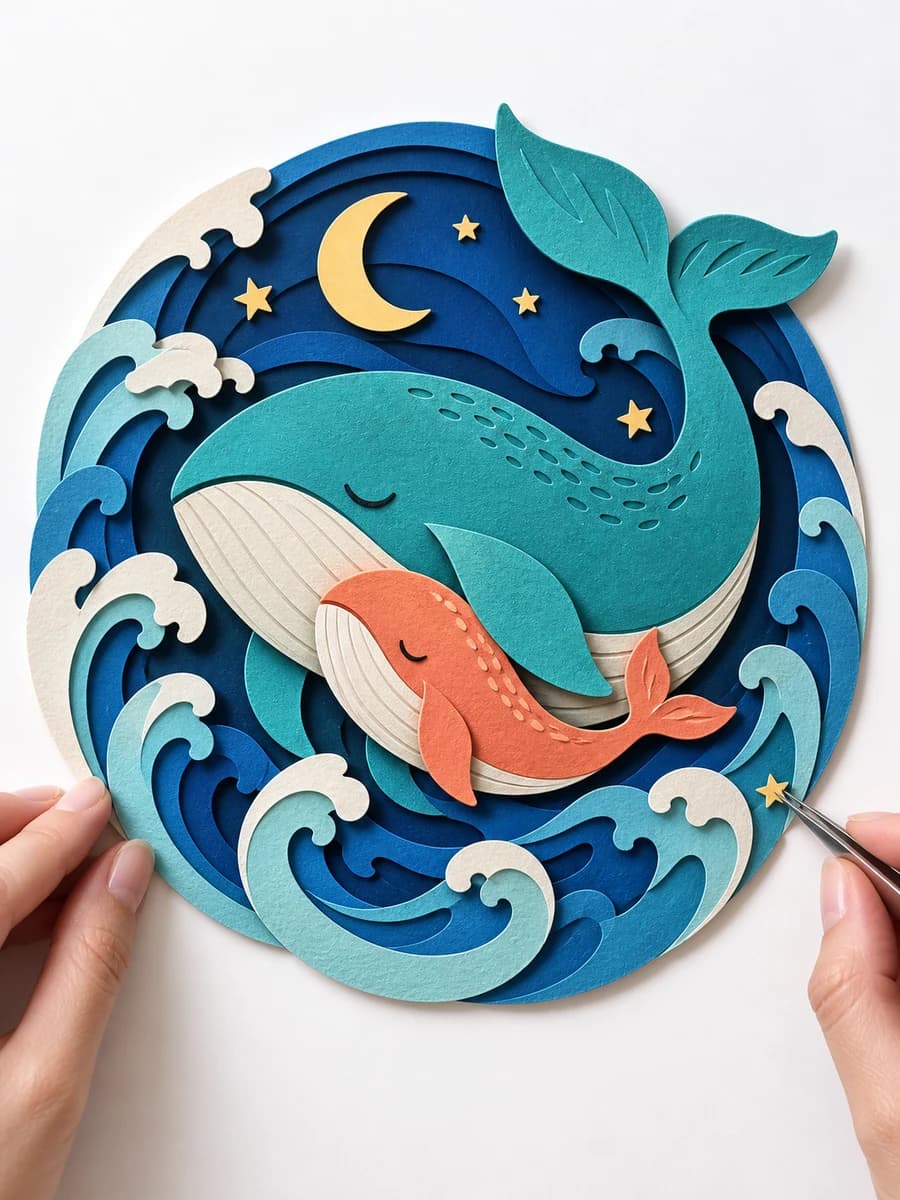
Turn historical events into origami, kirigami, and layered-paper reliefs, with a 2 × 5 storyboard and continuous ASMR video prompt.
History · paper folding · 2 × 5 · 10 sec