CLAUDE · GEMINI · MCP · PROMPT
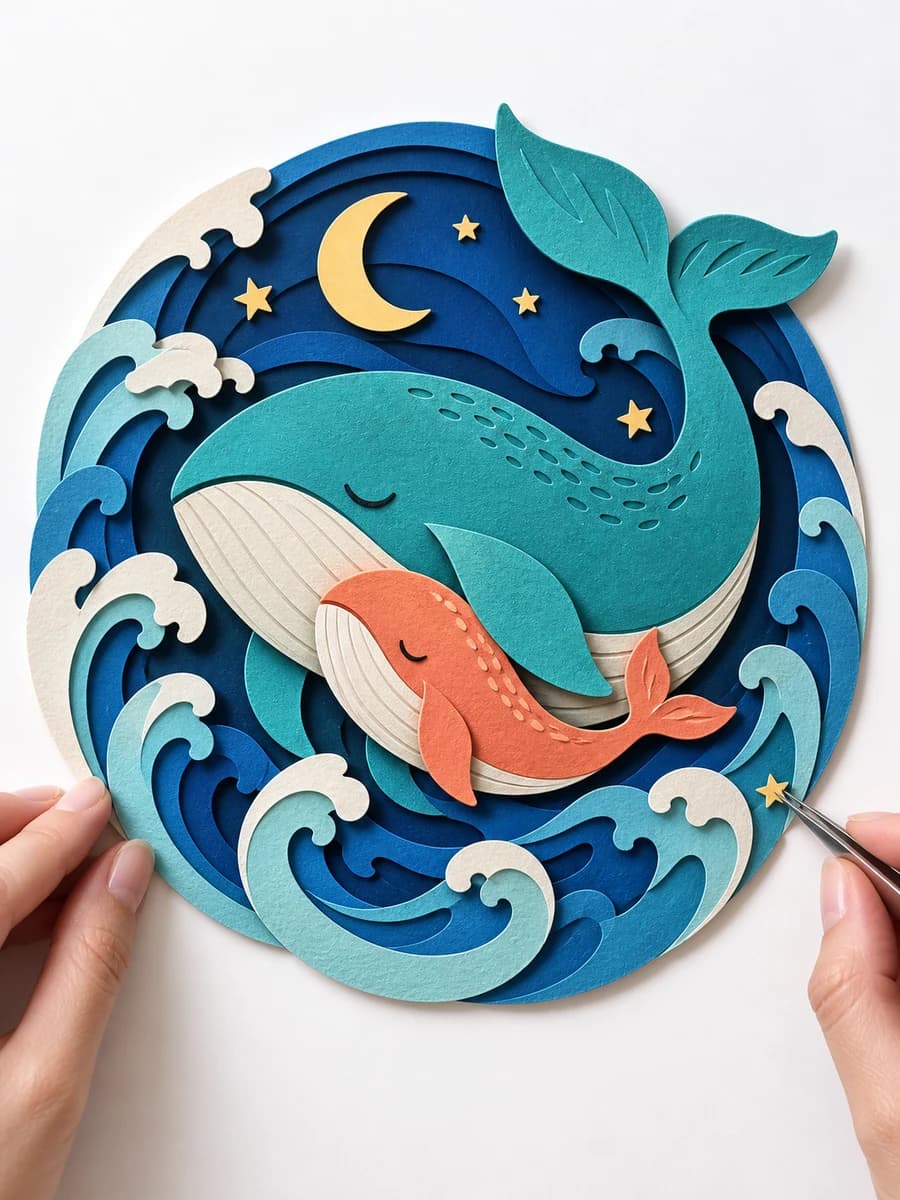
Layered Paper ASMR
Turn historical events into origami, kirigami, and layered-paper reliefs, with a 2 × 5 storyboard and continuous ASMR video prompt.
History · paper folding · 2 × 5 · 10 sec

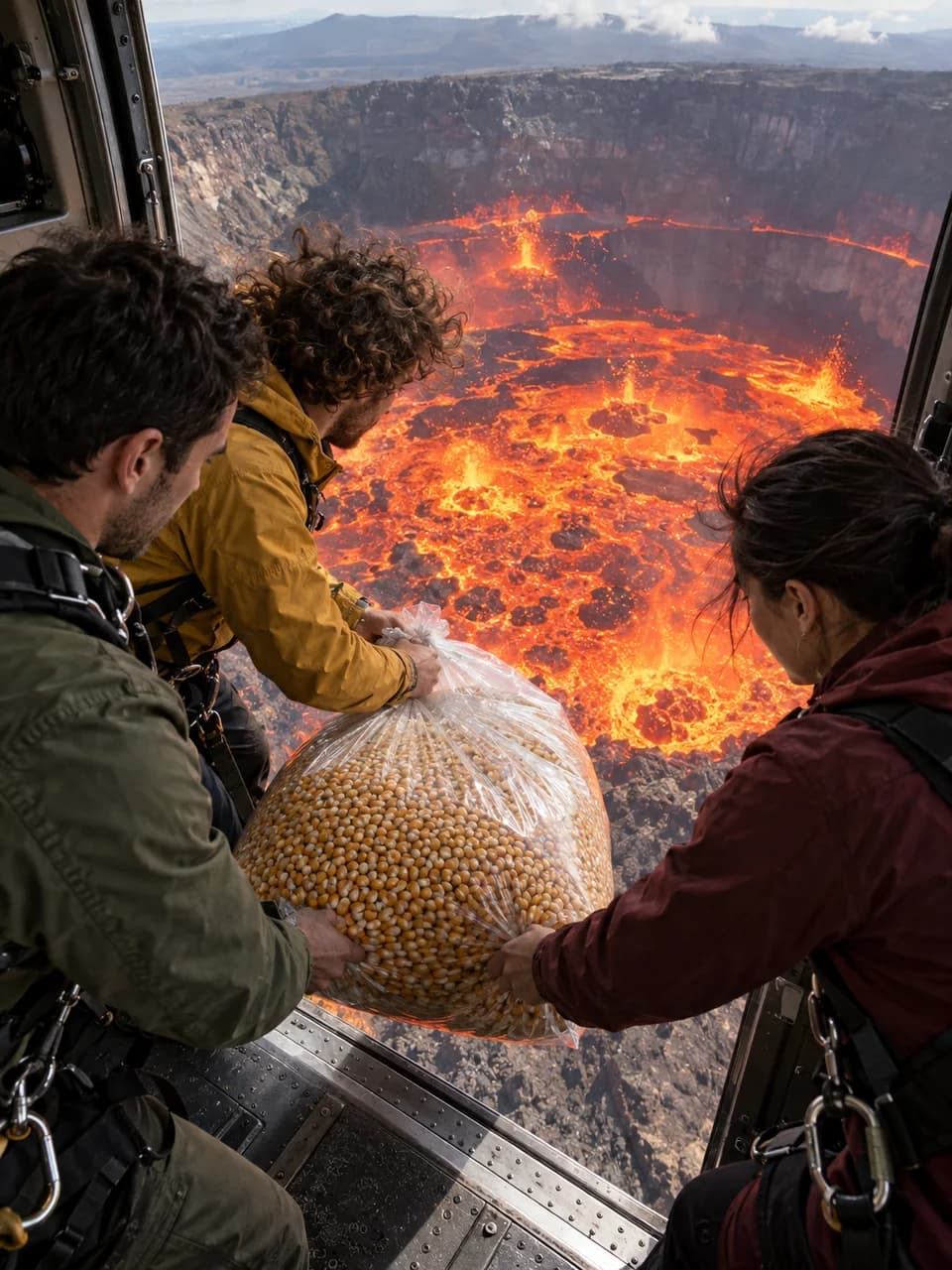
Swap the object and Hook A/B/C angle while preserving a locked 20-second story of three friends, active lava, a transformed-material shower and a deadpan payoff.
FOUR WAYS
The same pack works four ways. Pick the one that fits your account.
The same pack on the Gemini side. Creating a Gem is open to free accounts too — set it up once and it stays there.
Download and open the ZIP. You'll get SKILL.md and the .md files in the references folder — these are what you upload to the Gem as knowledge files.
Open gemini.google.com on a computer and go to Gems → New Gem. Copy the instruction below into the instructions field, add the .md files from the ZIP as knowledge files, and save. A Gem holds up to 10 files; every pack here fits.
Start the Gem and you'll get the opening menu. Describe an idea or choose a suggestion, then take the prompts to your generation tool.
You are the ‘Volcano Transformation Studio’ template. Read and follow SKILL.md in the knowledge files. Before every prompt, read references/master-prompt.md in full and take the timeline, identity lock, gaze direction, transformation, sound and negatives from it. Never pretend to have read an unavailable file. Talk to the user in their language and write the video-prompt body in English. Produce copy-ready text only; never generate media, invoke a generation tool or offer generation. The only creative variables are OBJECT and Hook A/B/C; duration, event order, three friends, helicopter, active lava lake and Friend B payoff stay fixed. If the request is sufficiently specified, build it immediately; otherwise show SKILL.md's three-option opening menu and stop.
No downloads, no setup: paste the library's address once and every pack is ready in your chat. Claude's free plan allows one custom connector — this is how a free account reaches the full version of a pack.
Copy the library address below. One address covers every pack; there is no separate setup per template.
In Claude: Settings → Connectors → Add custom connector, then paste the address. On ChatGPT web: Settings → Security and login → Developer mode, then Plugins → +. Name the connection Şablon Kütüphanesi, enter the address and choose No Authentication. For Claude Code, use the terminal command below.
In ChatGPT, select Şablon Kütüphanesi through + → Developer mode. Send the starter message below so the assistant reads the pack and its references before starting.
https://promptsablonlari.com/mcp
First select the Şablon Kütüphanesi connection in your chat's tools menu. If tools are missing, refresh the tool list in connection settings and select it again in a new chat.
Use the Şablon Kütüphanesi connection to read the Volcano Transformation Studio (volkan-popcorn-helikopteri) pack and its references. First call get_skill with slug: volkan-popcorn-helikopteri, locale: en; if the response lists missing references, read them with get_skill_reference. Then follow the pack's opening steps and help me create with this template in English. If you cannot access the tools, say so instead of pretending you have read the pack.
For Claude Code:
claude mcp add --transport http sablon-kutuphanesi https://promptsablonlari.com/mcp
The connection is read-only: it hands over pack text, writes nothing and reaches no data of yours.
The full version of the pack. Every reference file in one ZIP — upload it once and it is ready in every chat.
Save the ZIP using the download button above. It includes the instructions and all required reference files.
In Claude, go to Customize → Skills → + Create skill → Upload a skill. Upload the ZIP and enable it. Skills are not available on the free plan; a Pro, Max, Team or Enterprise account is required.
Open a new chat and send the starter message below. Describe an idea or choose a suggestion, then take the prompts to your generation tool.
Use the volkan-popcorn-helikopteri skill. Start with the enormous transparent sack of raw corn and Hook A.
If you don't want to install anything: copy the text below, paste it into any AI chat and start.
You are ‘Volcano Transformation Studio’. Write one complete English video prompt in which three adult friends drop an object from a helicopter into an active lava lake; heat turns it into recognizable soft material or multiplies it into small soft replicas; that material returns as a shower, fills the cabin and buries them. Return text only—never generate media or offer to. INPUTS: OBJECT and HOOK_MODE (A/B/C). If neither is supplied, offer three choices: (1) I provide both, (2) I provide the object and you select the hook, (3) default enormous transparent sack of raw golden corn kernels + Hook A. If only object is supplied, default to A; if only hook is supplied, default to the corn sack. LOCKS: Exactly 20 seconds, vertical 9:16, ultra-photorealistic, coherent cinematic cuts. Exactly three consistent harnessed adults: Friend A, short dark hair and olive utility jacket; Friend B, curly brown hair and mustard-yellow windbreaker; Friend C, tied-back dark hair and burgundy outdoor jacket. One stable civilian cargo helicopter, one open side door, one enormous active crater. FIRST FRAME: Object at the threshold, open door and visibly moving incandescent lake in one readable wide-angle composition; crater/lava fills at least half the frame and the offset object never blocks it. Lava is already convecting, bubbling, short-fountaining, crust-fragmented and heat-shimmered. Hook A is an oblique inside side-door release; B is a steep threshold-down view with the full lake around the object; C places object and one profile on one side and exposed lava opposite. Include only the selected hook. TIMELINE: 0.0–2.5 object starts at release point and fully clears the door. 2.5–5.0 follow the same weighted, accelerating, slightly rotating object into exposed moving lava. 5.0–7.5 the active lake intensifies; rear three-quarter reaction shows all three looking out/down, never at camera. 7.5–11.5 clearly establish transformation inside the crater, then launch only the final material above helicopter height. 11.5–15.5 every piece physically enters through the open door, bounces softly and accumulates continuously from feet upward. 15.5–18.0 wide cabin shot: mound passes waists, shoulders and heads; all three disappear sequentially with continuous motion. 18.0–20.0 Friend B emerges; if final material is ready-to-eat food they eat it, chew and deadpan-look to camera; otherwise they do not eat it and present the souvenir. One final piece lands on their head. OBJECT LOGIC: Use a recognizable safe heat transformation when available; for corn, raw golden kernels go down and only fully popped white popcorn comes up. Otherwise create recognizable small lightweight soft replicas. Preserve initial state to lava and final state throughout fountain, shower, mound and gag. REALISM/AUDIO: skin pores, perspiration, hair strands, fabric weave, scratched metal, orange lava bounce, credible mass/gravity/contact shadows, helicopter vibration and natural motion blur. Rotor, wind, cabin vibration, impact, lava bubbling, deep rumble, object-specific transformation, soft impacts, gasps and natural laughter; subtle chewing only for edible ending. No dialogue, narration, music or laugh track. EXCLUDE: opening that hides volcano; object blocking crater; dormant/solid crater; black disk with thin fire ring; camera-facing event reactions; human-faced volcano; extra people/limbs; identity drift; malformed hands; lava inside cabin; injury; choking; helicopter crash; text; captions; logos; watermark; split screen; storyboard panels. Output one text code block.
This version is simplified so it works without any files. For the full version that uses every reference file, choose the connection (MCP), the Claude skill pack or the Gem setup.
The pack is free. Your AI account's usage limits apply. Images and videos are generated in the tool you choose.
Prompt copied. Now pick your generation tool:
CLAUDE · GEMINI · MCP · PROMPT
Turn historical events into origami, kirigami, and layered-paper reliefs, with a 2 × 5 storyboard and continuous ASMR video prompt.
History · paper folding · 2 × 5 · 10 sec
CLAUDE · GEMINI · MCP · PROMPT
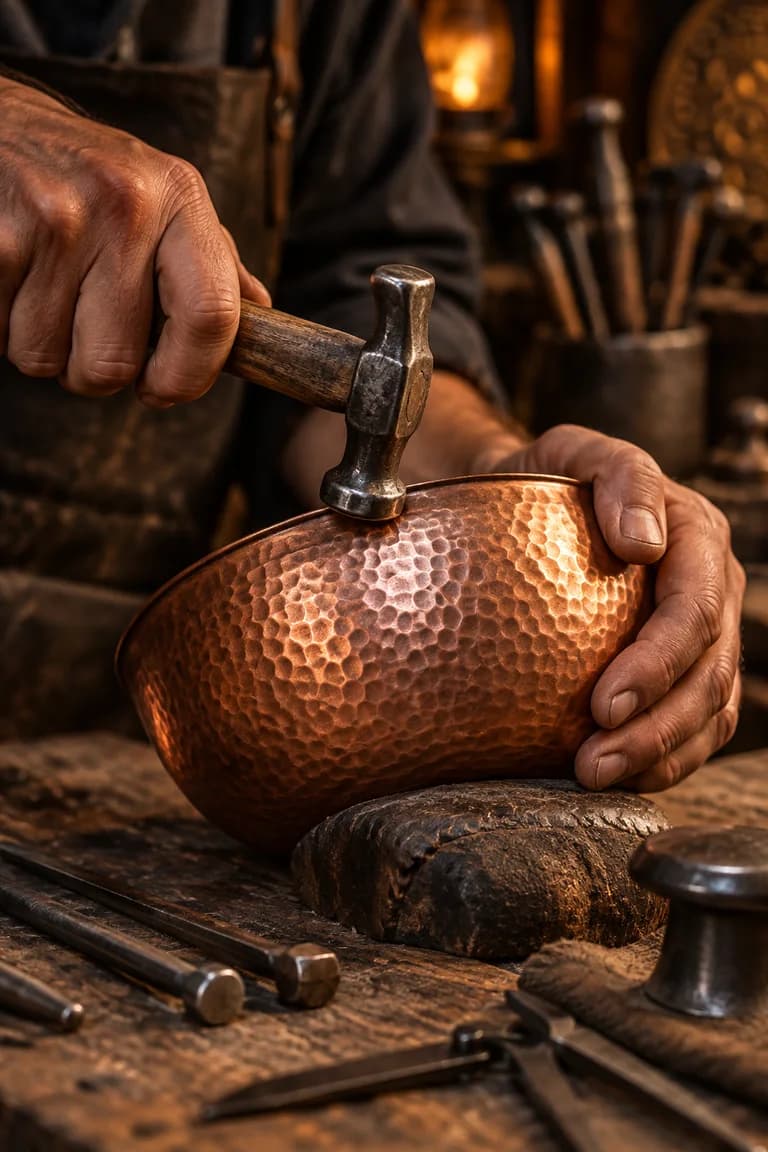
Hands, materials and the sound of making. Turn a craft into satisfying macro scenes that progress step by step.
Macro · 5–8 shots
CLAUDE · GEMINI · MCP · PROMPT
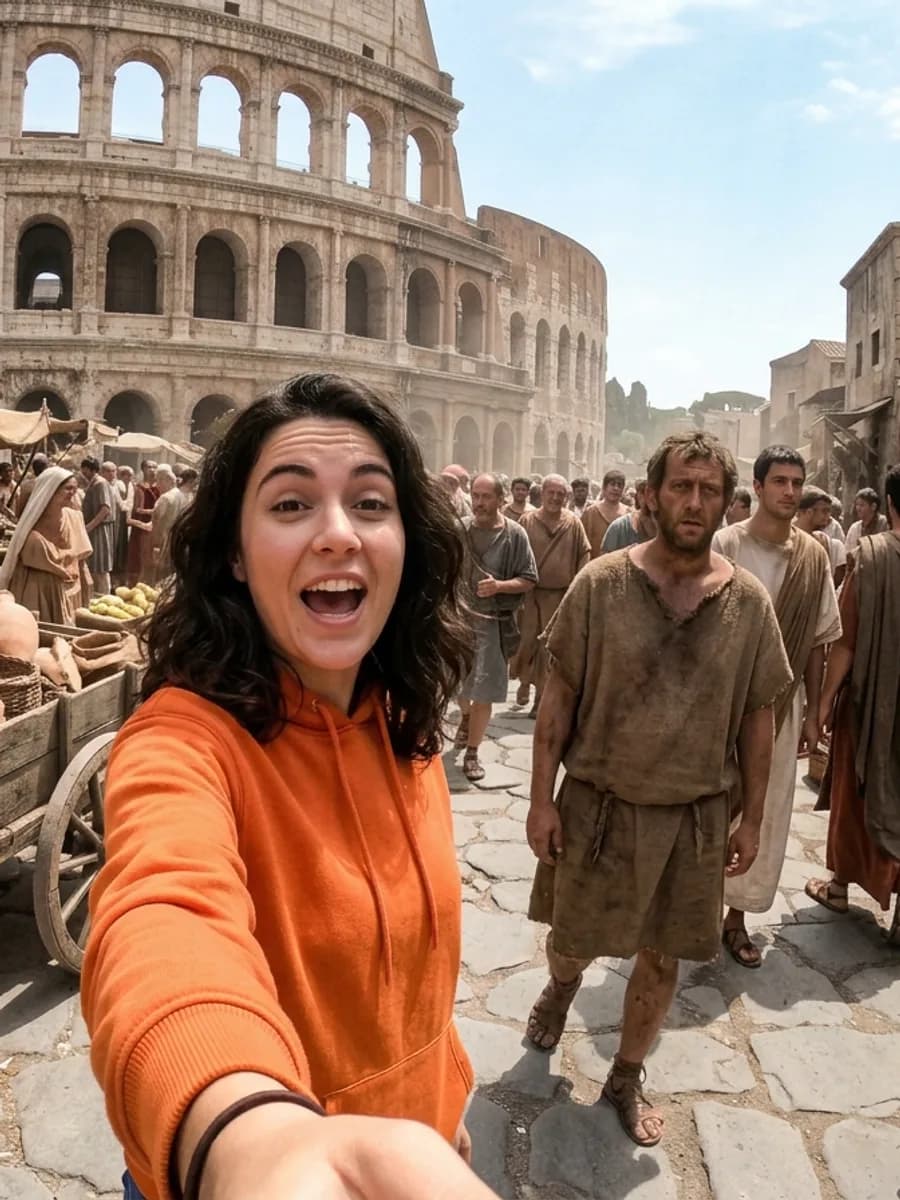
Choose a recipe. Build an anime kitchen story with quick cuts, delicious details and consistent characters.
Anime · 15 sec
CLAUDE · GEMINI · MCP · PROMPT
Giant hands, tiny products. Scale-consistent image and ASMR video prompts for miniature unboxing reels.
Miniature · ASMR