CLAUDE · GEMINI · MCP · PROMPT
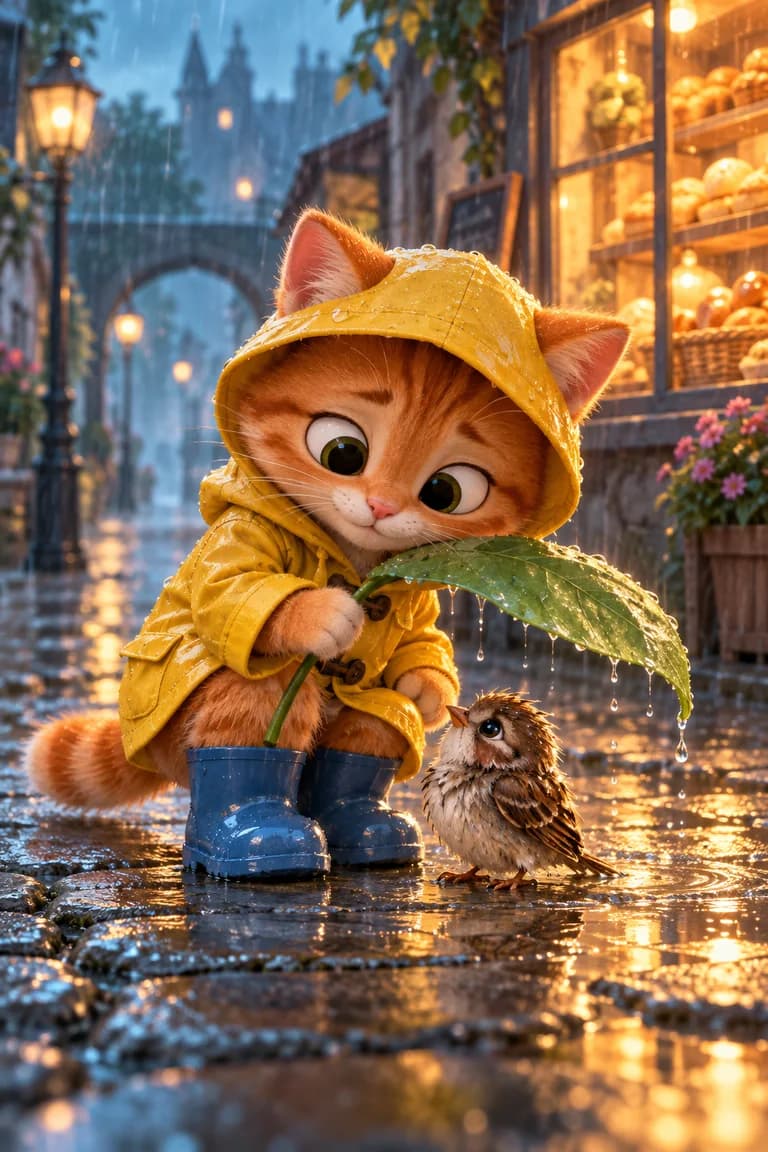
Viral Animation
From a premise to a 12-panel storyboard to one video prompt. Character, outfit and location stay locked for all 15 seconds.
Animation · 12 panels · 15 sec
Download the pack ↓How to use
Ready AI templates for creators
Handcrafted templates for creators. Claude, Gemini or a single-message prompt — start the way that suits you and prepare the prompts for your next image and video.
Selected formats for your first scene
CLAUDE · GEMINI · MCP · PROMPT
From a premise to a 12-panel storyboard to one video prompt. Character, outfit and location stay locked for all 15 seconds.
Animation · 12 panels · 15 sec
GEMINI
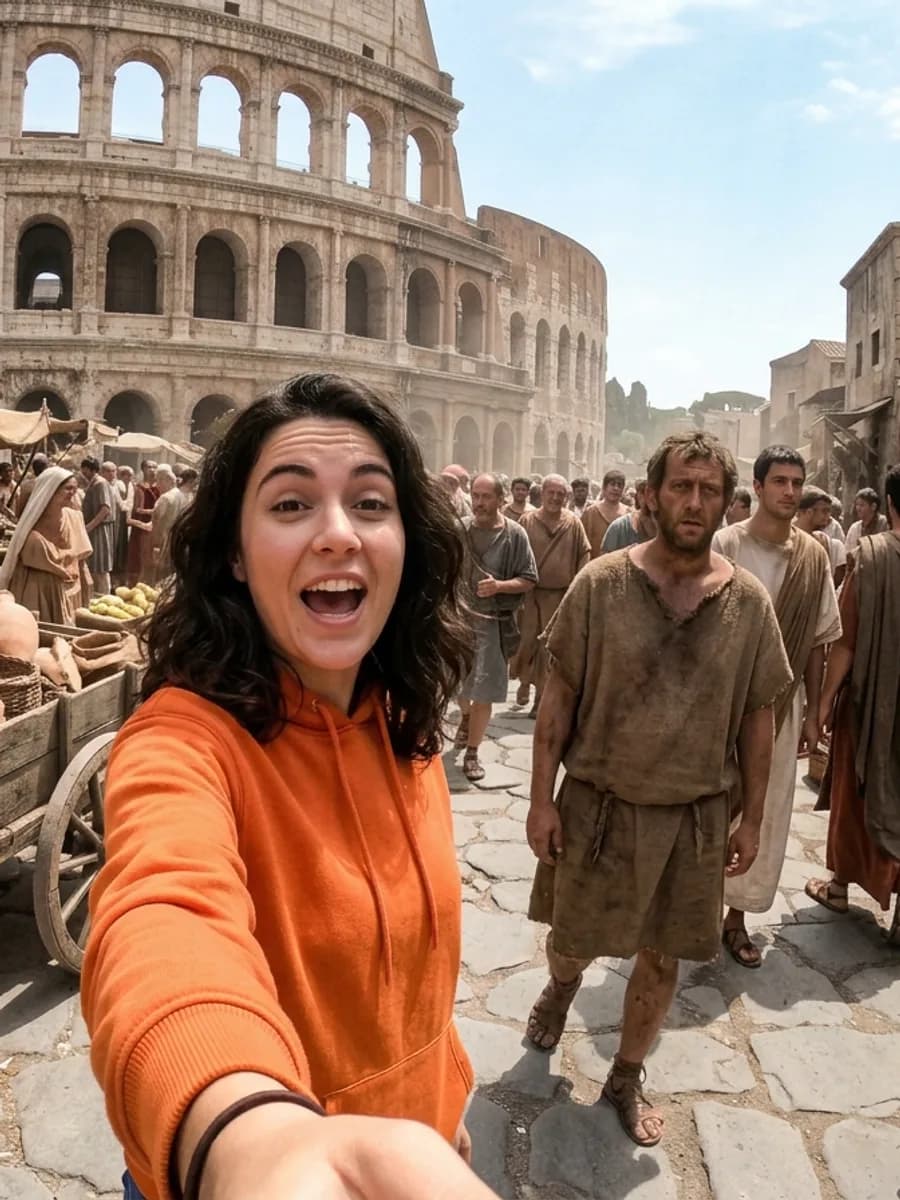
Upload your own face, pick an era: an arm's-length selfie, one spoken line, and the moment a local notices the camera. Five image prompts and five video prompts in one go.
Selfie POV · 9:16 · 5 scenes
GEMINI · MCP
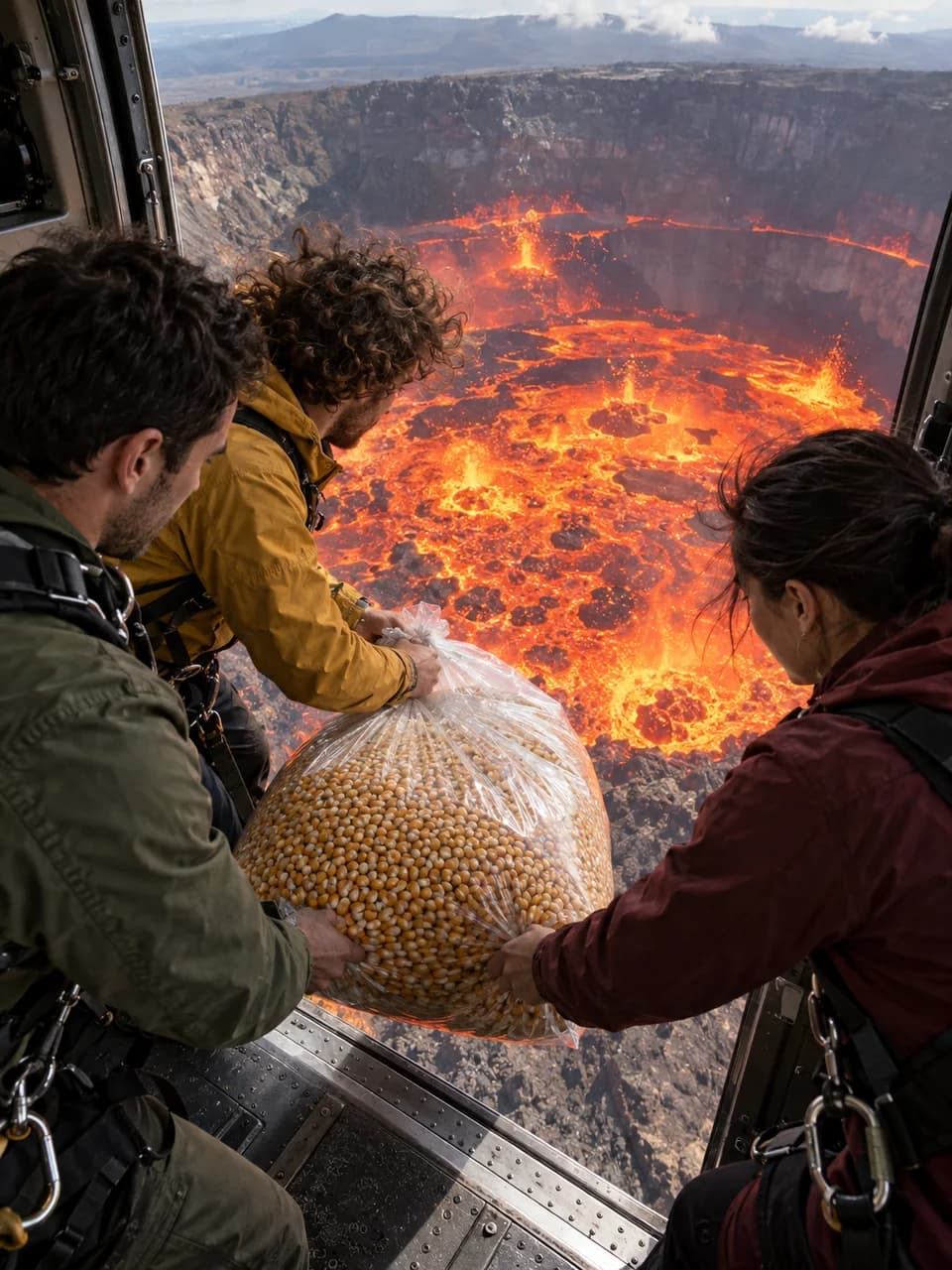
Pick the object and the duration; rebuild the locked story of three friends, active lava, a transformed-material shower and a deadpan payoff as one 8–30 second uninterrupted shot.
Photoreal · 9:16 · 8–30 sec · Seedance
CLAUDE · GEMINI · MCP · PROMPT
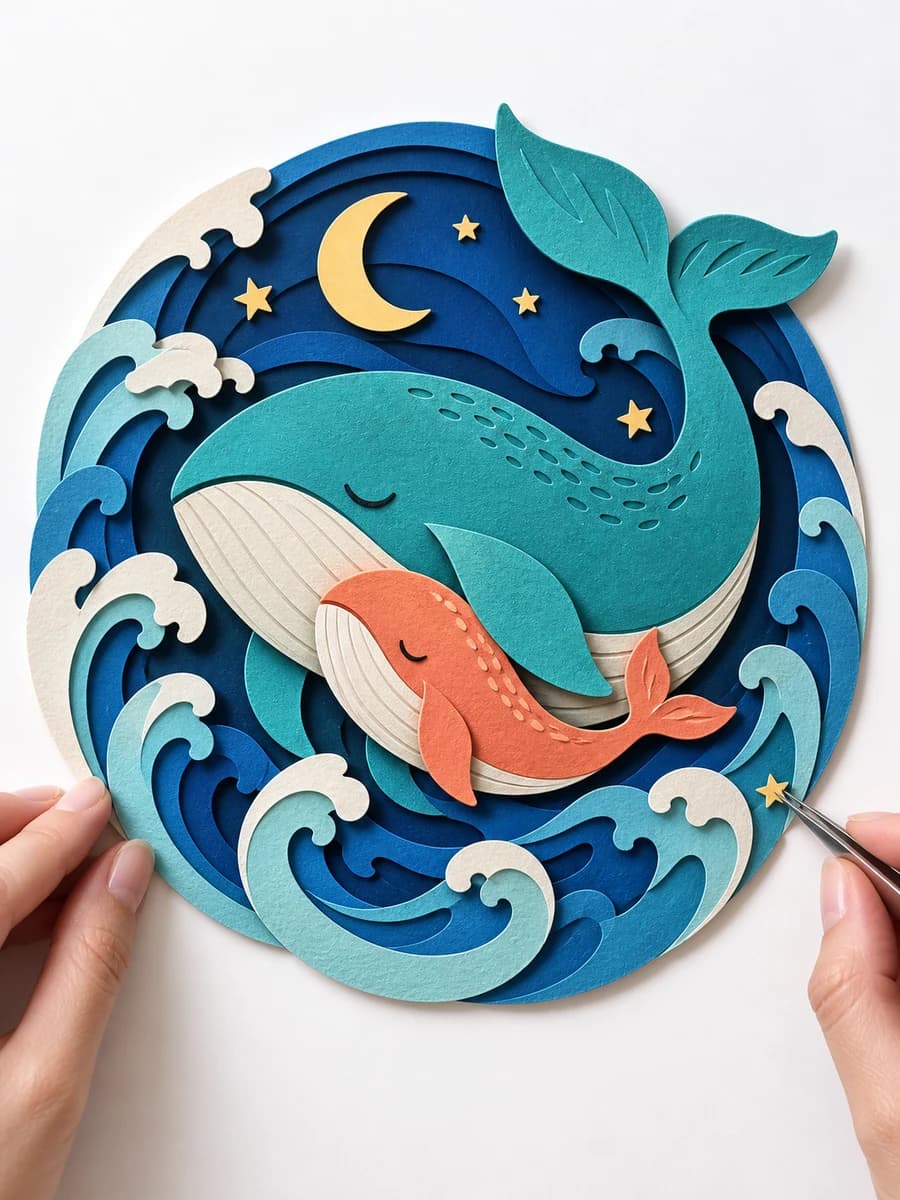
Turn historical events into origami, kirigami, and layered-paper reliefs, with a 2 × 5 storyboard and continuous ASMR video prompt.
History · paper folding · 2 × 5 · 10 sec
CLAUDE · GEMINI · MCP · PROMPT
Hands, materials and the sound of making. Turn a craft into satisfying macro scenes that progress step by step.
Macro · 5–8 shots
CLAUDE · GEMINI · MCP · PROMPT
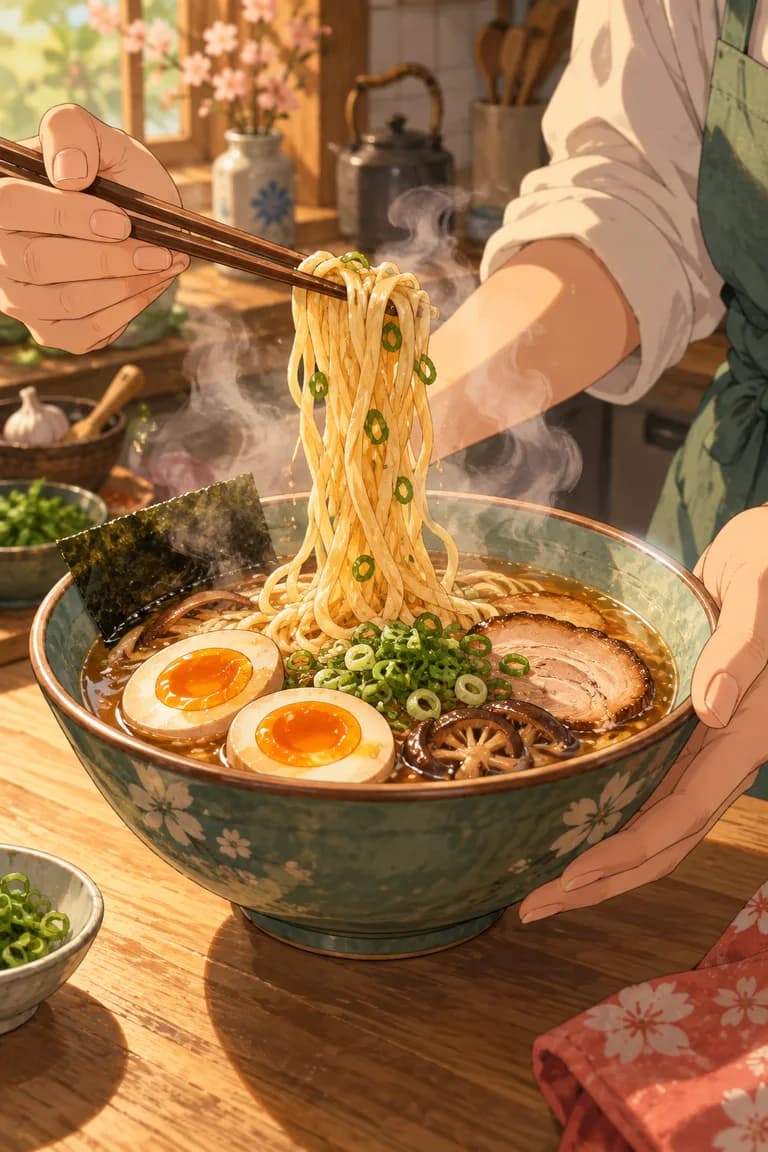
Choose a recipe. Build an anime kitchen story with quick cuts, delicious details and consistent characters.
Anime · 15 sec
 3:06
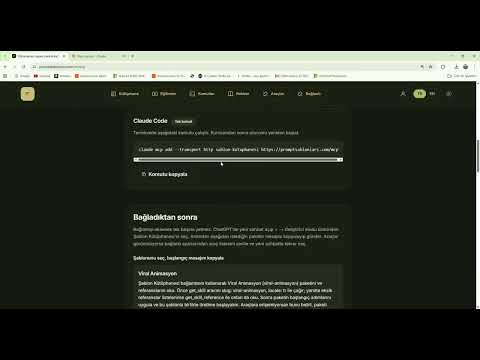
3:06Connect every template pack to Claude and ChatGPT with a single address. No downloads: a three-minute setup that ends with a pack running and your first prompt ready.
A full walkthrough of the Viral Animation pack: from picking a premise to a 12-panel storyboard, then to the single video prompt that keeps character, outfit and location locked for all 15 seconds.
 1:47
1:47Learn how to create viral AI miniature unboxing videos for free with ChatGPT and Google Flow. This step-by-step tutorial covers the image prompt, video prompt, vertical settings, and the complete generation workflow. Website: https://promptsablonlari.com/en/library/mini-unboxing#kurulum. The same video now includes an English audio track and English subtitles; use the YouTube player settings to switch audio languages if needed.