Genjutsu · Motion transfer
Make your own AI influencer
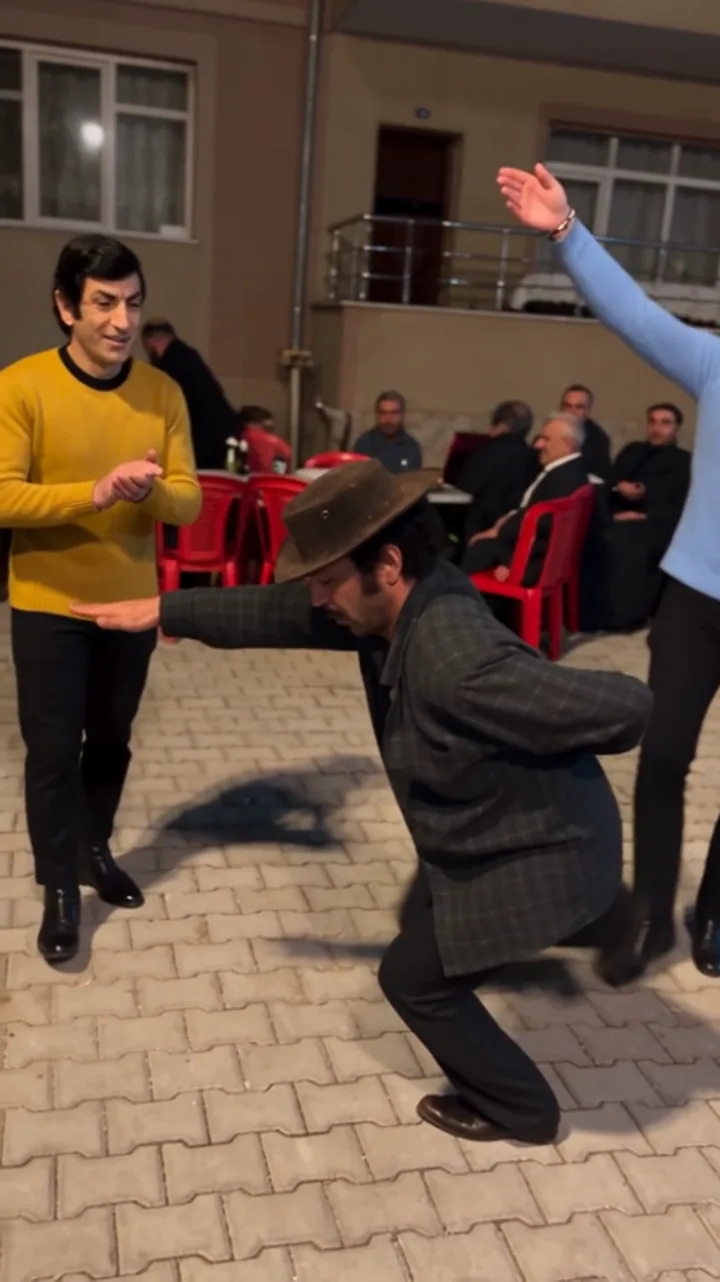
Jean Phil, Massive Unc, Rachid Zarmani… Instagram's not-real stars all follow the same formula: one memorable character + the moves of a video that's trending that week. Design your character and dress any video in it with Higgsfield Genjutsu.
- Character
- GPT Image · 16:9
- Video
- Higgsfield Genjutsu · Motion transfer
- Input
- 1 video (4–30 s) + 1 character image
- Resolution
- 480p → 720p
- Cost
- 16 s: 480p ≈ 48 · 720p ≈ 112 credits
How-to video
The how-to video is being recorded — it'll be here soon.
Step by step
Design your character
Change only the first line (CHARACTER) of the character prompt below. Pick one memorable signature look: hair, facial hair or outfit. Generate it with GPT Image at 16:9.
Pick a trending video
Choose a 4–30 second clip where one person is fully visible: a dance, a walk or a skit that's trending that week. Use your own footage or a video you have permission to use.
Crop the character
Crop the single full-body figure from the sheet, without any text. No close-up needed; Genjutsu reads the face from the full-body image.
Generate on Higgsfield
Open Genjutsu → Motion transfer. Upload the video to the top box and the character image to the bottom box, turn on Prompt and paste the Step 2 prompt. Try 480p first, move to 720p once it works.
Step 1 · Character sheet prompt
CHARACTER: an original man in his early thirties with a blond bowl haircut, a thin pencil moustache and a slightly too-big vintage tweed suit with a burgundy tie.
Photoreal character reference sheet, 16:9, three panels side by side on a plain neutral grey studio backdrop, soft even frontal light. The character is one original adult person who does not resemble any celebrity or real public figure. Give him or her one instantly memorable signature look (hair, facial hair, outfit) that stays identical in all three panels.
PANEL 1 (left, largest detail): tight head-and-shoulders portrait, face filling most of the panel, looking straight into the camera, neutral confident expression.
PANEL 2 (middle): the same person full body, front view, standing relaxed, arms by the sides, the complete outfit and shoes clearly visible.
PANEL 3 (right): the same person full body in three-quarter side view, same outfit, same hair.
Same face, same proportions, same clothing in every panel. No text, no labels, no logos, no brand marks, no watermark, no second person.
Step 2 · Genjutsu prompt
Use the prompt as is. No need to describe your characters.
Replace the main person in the video with the character from @image1 in every frame: the same face, hair, facial hair and outfit as in @image1. Keep the original movements, timing, camera movement and location exactly as in the video. Photorealistic, natural lighting that matches the scene. No text, no watermark.
Image upload order
- Image 1Character that replaces the person in the video (@image1)
Tips
Always the same character
What grows these accounts is the same face in every video. Keep your character sheet and reuse the same image for every new video.
Match the body
Genjutsu dresses your character onto the source person's skeleton; height and build come from the source. Pick a video of someone with a similar build.
No celebrities, no brands
Faces that resemble a celebrity or recognisable brand/film costumes get rejected by Higgsfield (ip_detected). Design a fully original character.
Whose video?
Use your own footage or a video you have permission to use as the motion source. Don't republish someone else's video without permission.
Some links on this page are affiliate links.